
Installation
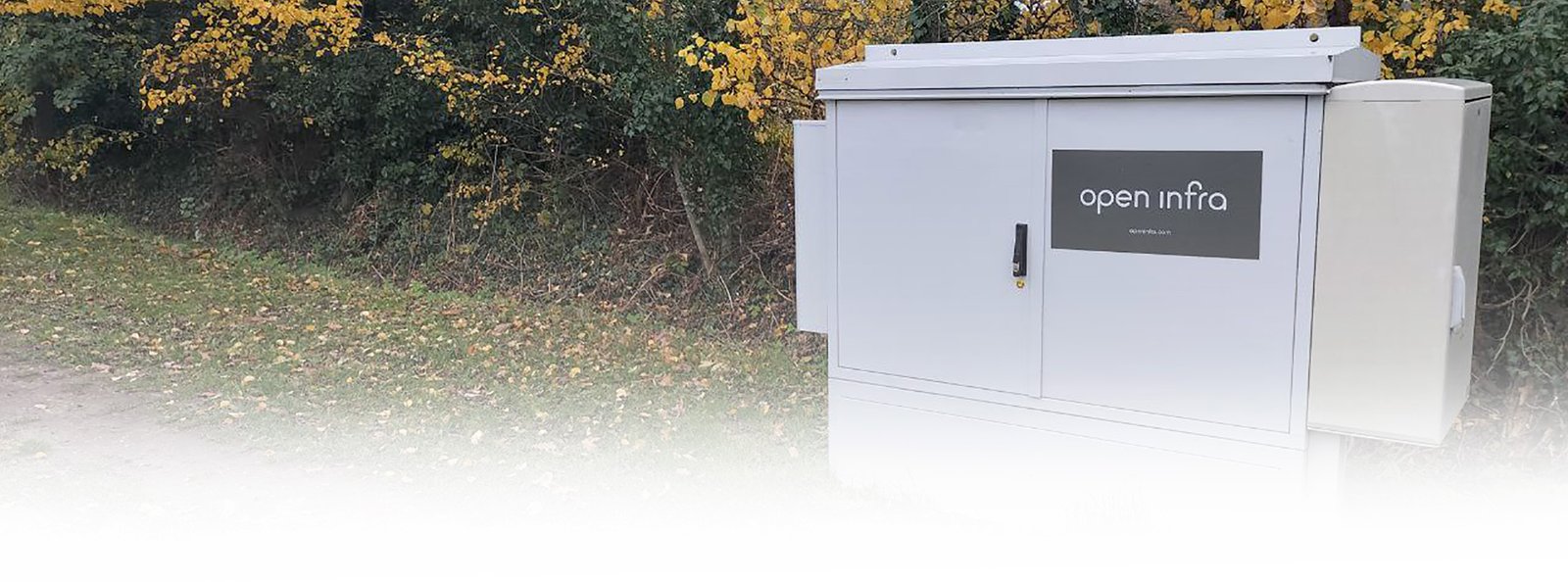
Connecting the fibre from the street cabinet to your home.
5300+
Connected Homes
29
Projects Completed
In some cases due to which teams are available in your area or specialist equipment that may be required, the installation stages may occur at different times. In this case you can contact Customer Support to confirm the installation completion dates.
Installation
Connecting the fibre from the street cabinet to your home.
5300+
Connected Homes
29
Projects Completed
In some cases due to which teams are available in your area or specialist equipment that may be required, the installation stages may occur at different times. In this case you can contact Customer Support to confirm the installation completion dates.
INSTALLATION
Before you begin the installation process, please make sure you have read and agreed to the terms stated in your contract.
INSTALLATION
Before you begin the installation process, please make sure you have read and agreed to the terms stated in your contract.
Good to know
- The ONT will need to have access to a electrical power socket.
- Be aware that the router will be connecting to the ONT via a ethernet network cable after onboarding and will require electrical power socket.
Installation in your home
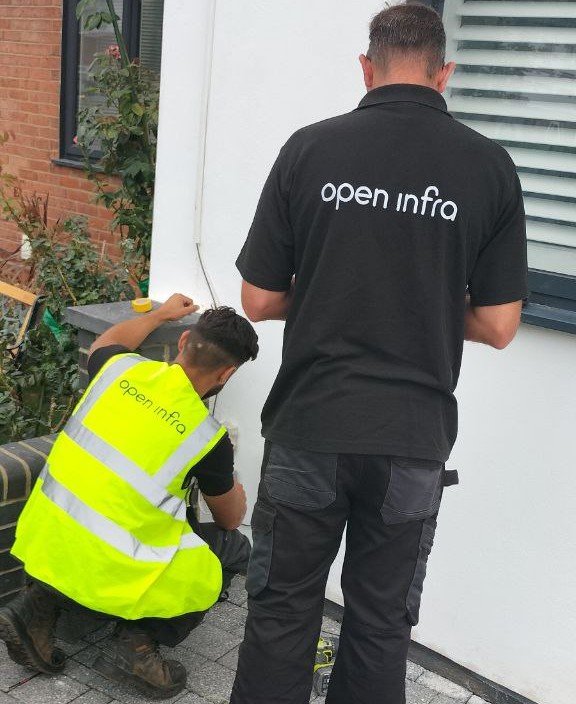
The physical installation of the ONT and CSP internally and externally into your home.
On the inside the engineer will mount a box called a Optical Network Terminal (ONT) where light is converted into a electric signal so that your router can communicate with it.
A fibre patch cable is then connected to this ONT and fed through a small hole in your external wall to the outside.
The fibre patch cable outside is then housed in a box called a Customer Splice Point (CSP).
You are now ready for the outside cable and get connected to the street.
- If you require a diffrent location other then the normal ground floor installation then please mention this to customer support.
- Please agree with the installation engineer on the location before he/she starts work. If you decide to change the location at a later date, this may incur a charge
- Do not install next to a heating element such as a radiator.
Installation in your home
The physical installation of the ONT and CSP internally and externally into your home.
On the inside the engineer will mount a box called a Optical Network Terminal (ONT) where light is converted into a electric signal so that your router can communicate with it.
A fibre patch cable is then connected to this ONT and fed through a small hole in your external wall to the outside.
The fibre patch cable outside is then housed in a box called a Customer Splice Point (CSP).
You are now ready for the outside cable and get connected to the street.
- The ONT will need to have access to a electrical power socket.
- Be aware that the router will be connecting to the ONT via a ethernet network cable after onboarding and will require electrical power socket.
- If you require a diffrent location other then the normal ground floor installation then please mention this to customer support.
- Please agree with the installation engineer on the location before he/she starts work. If you decide to change the location at a later date, this may incur a charge
- Do not install next to a heating element such as a radiator.
Lead-In-Cable
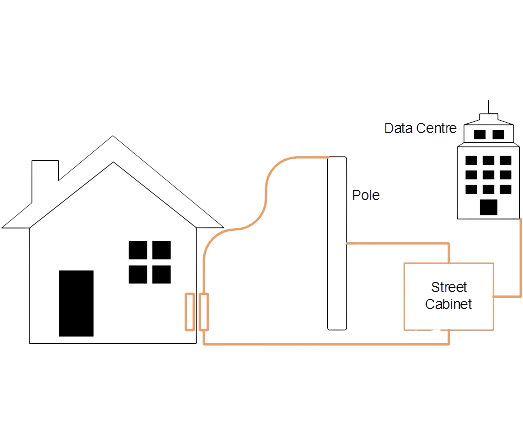
The physical connection of the fibre optic cable from the street to the CSP installed at your property.
Depending on your area, the fibre cable will either be attached to a pole or fed underground via a duct. The fibre cable from the street is then fused using heat to the fibre patch cable that is inside the CSP. This fusion between the two cables is called Splicing and is achieved using specialized equipment.
When the Installation Engineer has completed the work he will power on your ONT to confirm the Passive Optical Network (PON) light is green. This means that your ONT is now physically connected via fibre to our Data Centre in Canary Wharf and is ready to be authenticated
Good to know
- Please be home when the cabling is done so that you can discuss with the Installation Engineer the path the cable will take to reach the CSP.
- Please allow access to the outside of the house which may be behind locked gates.
- Please make sure you have two green lights on the ONT before the Installation Engineer leaves. The PWR (power) and the PON (Passive Optical Network) green lights. If you do not have the PON light switched on then you would not be able to be authenticated.
Lead-In-Cable
The physical connection of the fibre optic cable from the street to the CSP installed at your property.
Depending on your area, the fibre cable will either be attached to a pole or fed underground via a duct. The fibre cable from the street is then fused using heat to the fibre patch cable that is inside the CSP. This fusion between the two cables is called Splicing and is achieved using specialized equipment.
When the Installation Engineer has completed the work he will power on your ONT to confirm the Passive Optical Network (PON) light is green. This means that your ONT is now physically connected via fibre to our Data Centre in Canary Wharf and is ready to be authenticated
Good to know
- Please be home when the cabling is done so that you can discuss with the Installation Engineer the path the cable will take to reach the CSP.
- Please allow access to the outside of the house which may be behind locked gates.
- Please make sure you have two green lights on the ONT before the Installation Engineer leaves. The PWR (power) and the PON (Passive Optical Network) green lights. If you do not have the PON light switched on then you would not be able to be authenticated.